Live since 5:13 am, Wednesday 14 October 2026. Open the groovebox and reload it once. These pictures are from the test browser, taken on the copy that went live.
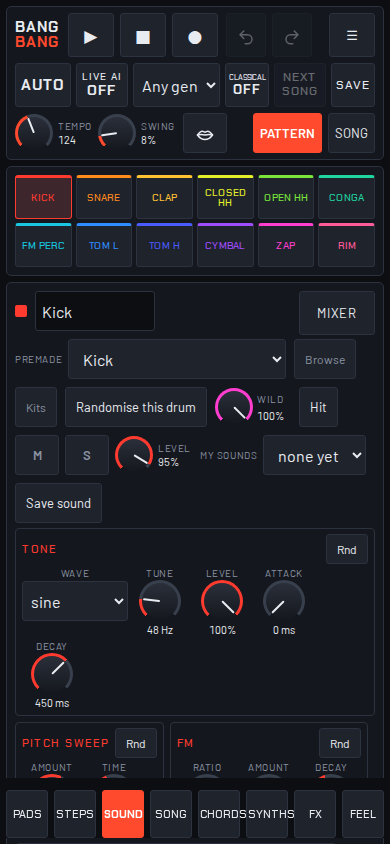
Tap the Sound tab. The Mixer button is at the top right, beside the drum's name. One tap opens the mixer; Close shuts it.
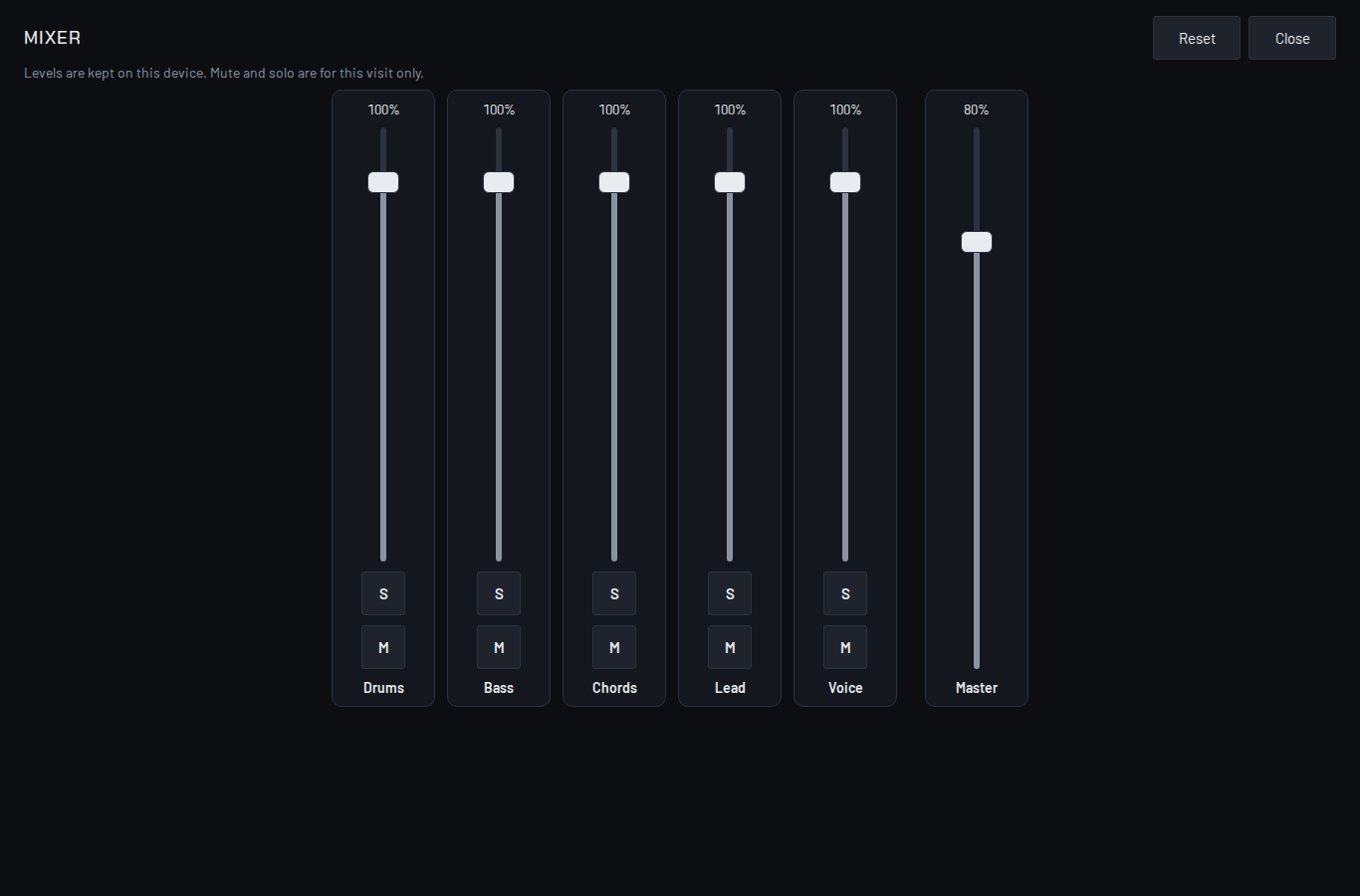
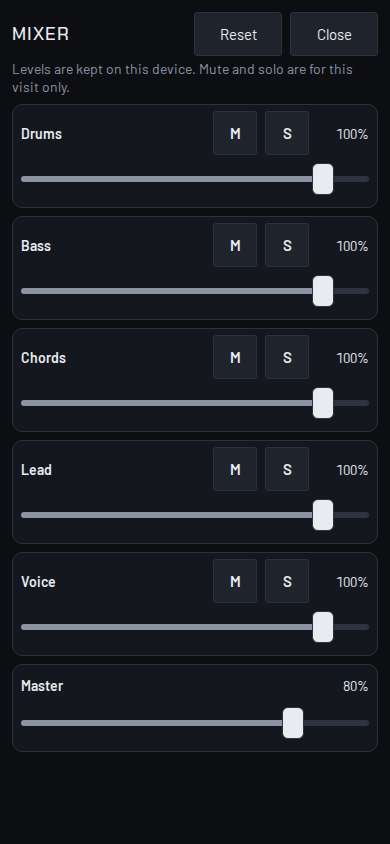
Tap the Sound tab. The Mixer button is under the Master knob at the foot of the tab: scroll down a little to reach it. Upright the mixer is rows; on its side it is a desk.
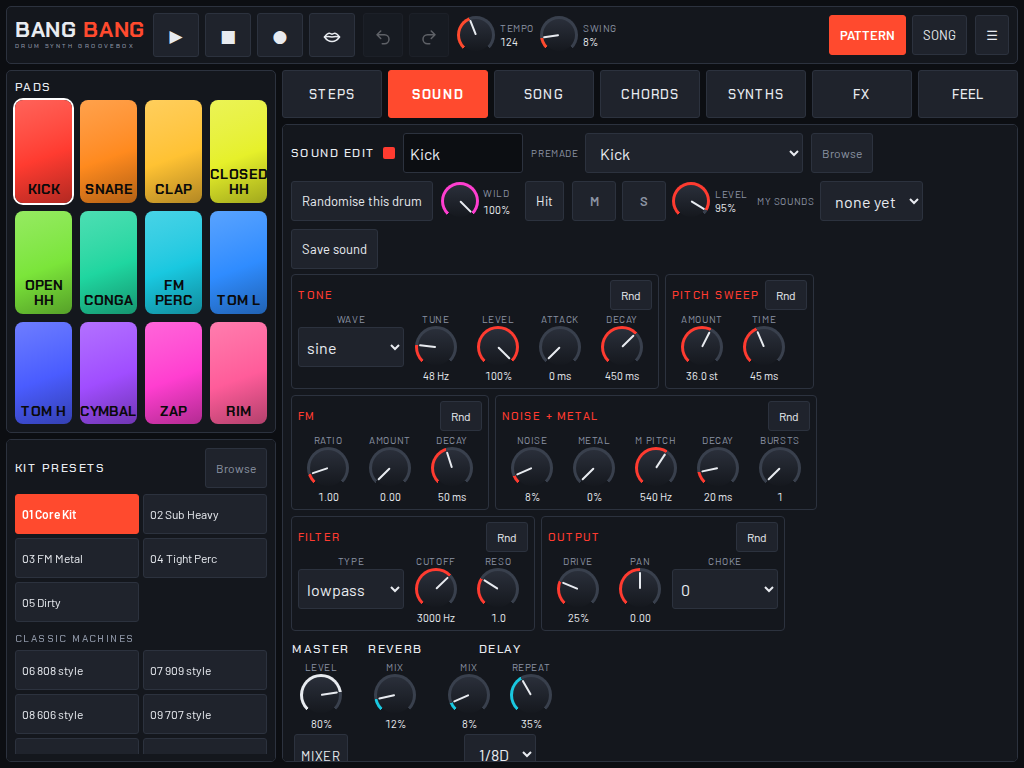
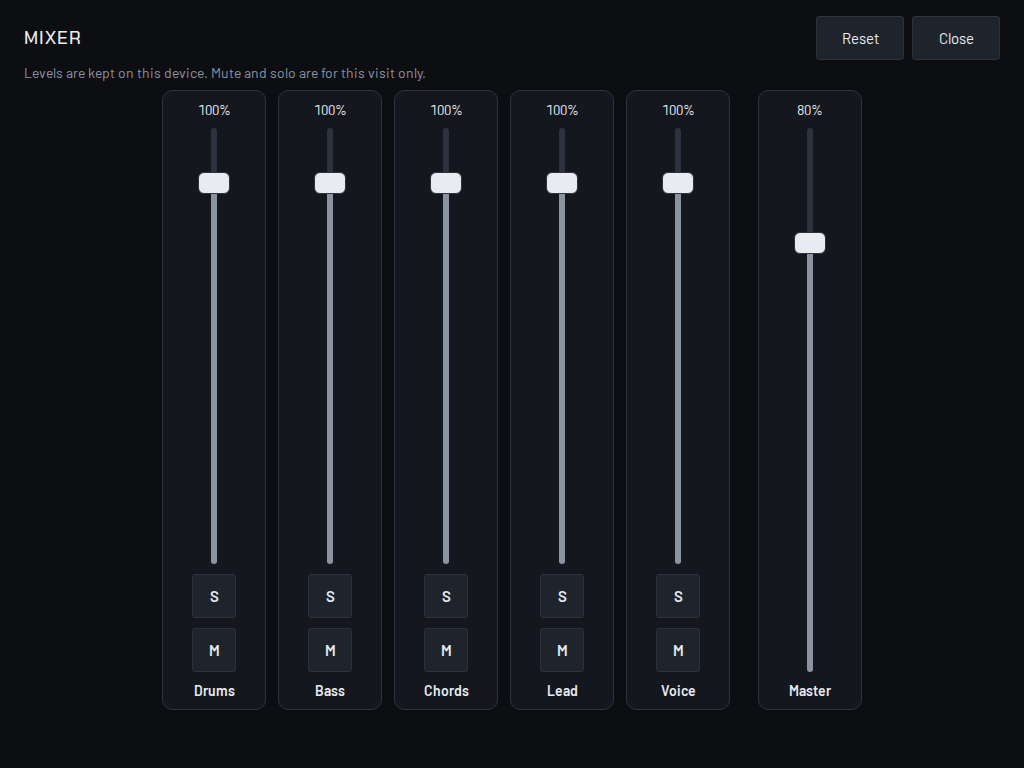
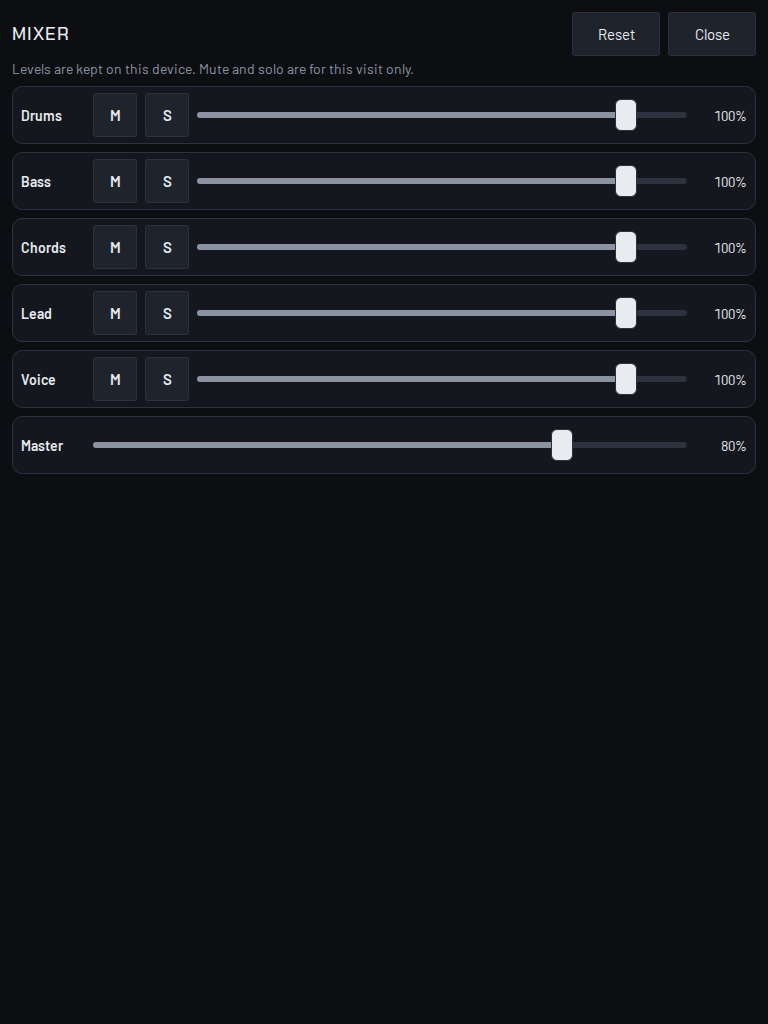
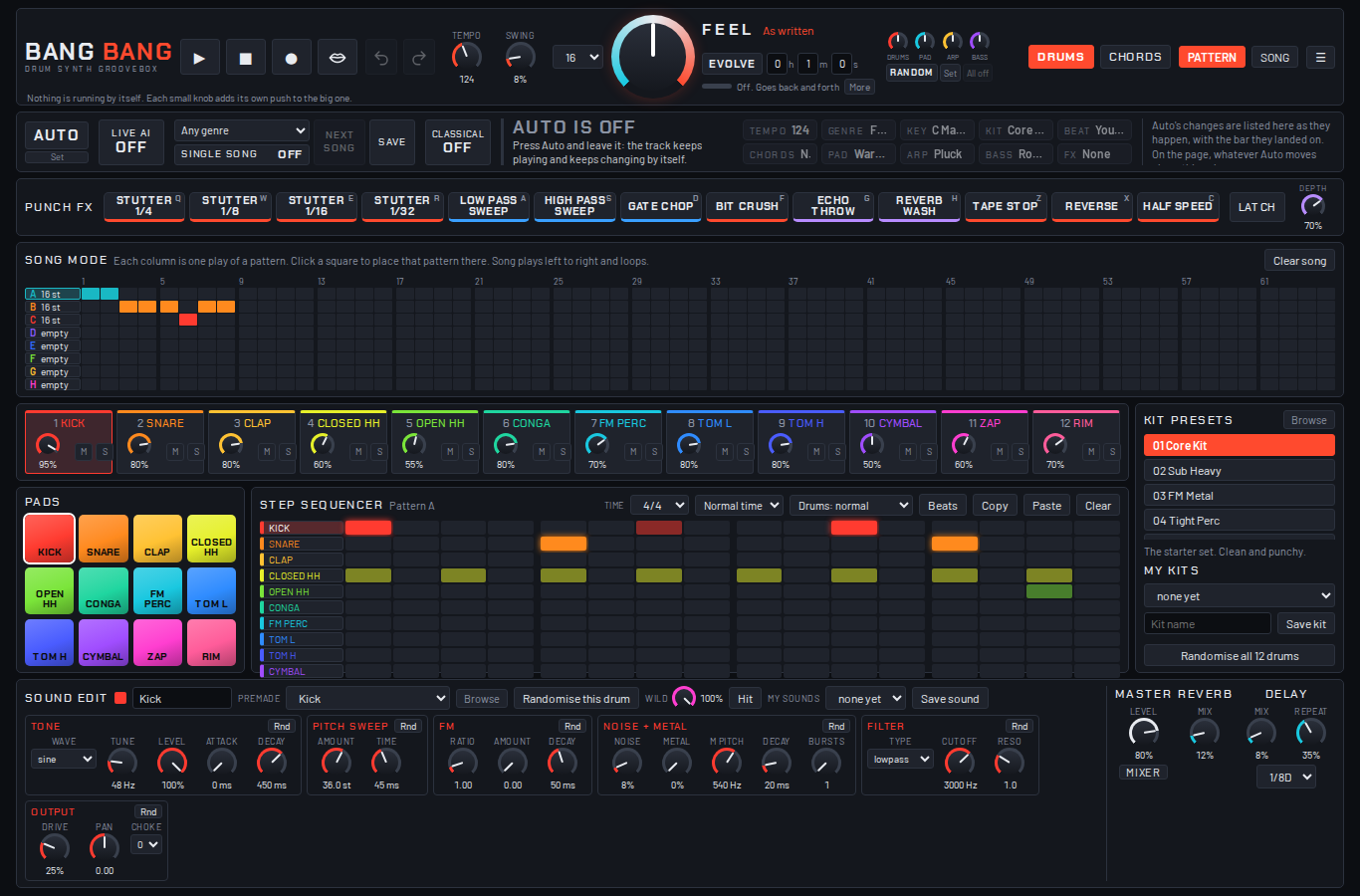
The Mixer button is under the Master knob, at the bottom right of the page. One click opens it; Close or the Escape key shuts it.